
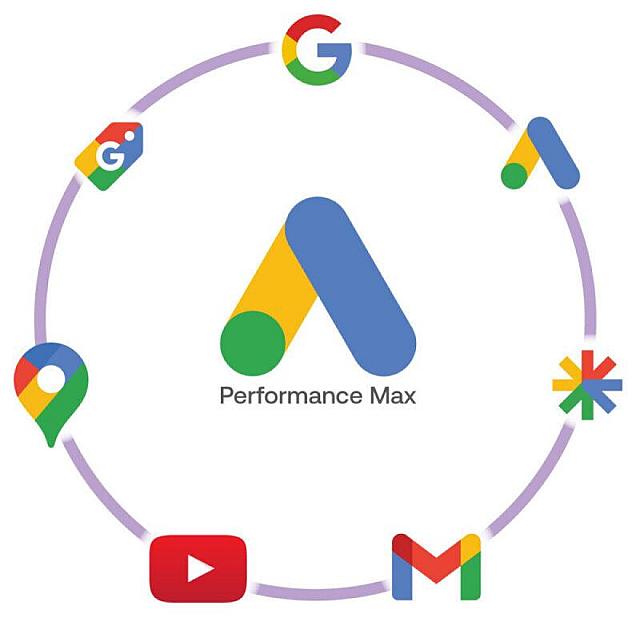
Performance Max (PMax) is Google's most automated campaign type — and one of the most controversial in the performance marketing community. Launched broadly in 2021 and gradually becoming the default campaign type for many advertisers, PMax uses Google's machine learning to automatically allocate budget across Search, Shopping, Display, YouTube, Gmail, and Discover — all from a single campaign. Understanding how to use PMax effectively is now essential for Google Ads professionals.
What Performance Max Actually Does
A single PMax campaign can serve ads across all of Google's networks simultaneously. The campaign receives your creative assets (headlines, descriptions, images, videos, logos), your conversion goals, and your audience signals — and Google's automation handles the rest, deciding where and when to show ads to maximize conversion volume at your target cost.
For many advertisers, this sounds like the ideal hands-off solution. For performance-focused media buyers who are accustomed to precise control, PMax's black-box nature is deeply uncomfortable.
PMax Advantages: Where It Works Best
Shopping-heavy eCommerce: PMax with a product feed essentially replaces Standard Shopping campaigns and can significantly expand reach. For eCommerce brands with large, well-optimized product catalogs, PMax often outperforms manual Shopping campaigns.
Broad keyword coverage: PMax captures search traffic that manually built search campaigns might miss — particularly long-tail and conversational queries that aren't covered by exact or phrase match keywords.
Resource efficiency: For smaller advertisers or campaigns where granular management isn't practical, PMax's automation can deliver solid results without requiring constant hands-on management.
PMax Disadvantages: What You Give Up
Limited transparency: PMax provides minimal insight into where impressions are served, which assets are performing, and how budget is being allocated across networks.
Brand term cannibalisation: Without careful exclusion setup, PMax will aggressively capture branded search traffic — making it appear more efficient while actually cannibalizing conversions that would have happened anyway.
Limited negative keyword functionality: Unlike standard campaigns, PMax has very limited negative keyword capabilities, making it difficult to exclude irrelevant search queries.
Learning phase sensitivity: PMax campaigns have an extended learning phase during which performance is unpredictable. Budget and targeting changes restart this learning process.
Best Practices for PMax Campaigns
Use audience signals, not audience targeting: PMax audience signals guide the algorithm toward your best customers without restricting delivery. Seed audiences with your customer lists and website visitors.
Apply brand exclusions: Work with your Google rep or use account-level negative keywords to prevent PMax from claiming brand search traffic that belongs to your branded search campaigns.
Supply excellent creative assets: PMax's performance is directly limited by the quality of your assets. Invest in high-quality images and videos across all recommended sizes.
Run PMax alongside — not instead of — existing campaigns: For most advertisers, the optimal setup uses PMax alongside existing Search and Shopping campaigns with careful brand exclusion logic.
Monitoring PMax Performance
Given PMax's limited transparency, monitoring requires a different approach than standard campaigns:
Focus on account-level conversion trends rather than campaign-level metrics.
Use asset group reporting to identify which creative combinations perform best.
Monitor search impression share reports to detect brand cannibalisation.
Compare periods carefully — PMax learning phases can create misleading short-term performance swings.